


In the rapidly evolving landscape of professional workstation hardware, Apple’s latest iteration of the Mac Studio—powered by the formidable M5 Max chip—represents a significant leap in desktop efficiency and raw computational power. Since its inception, the Mac Studio has occupied a curious, highly effective middle ground between the consumer-focused Mac Mini and the modular, enterprise-grade Mac Pro. With the 2026 update, Apple has not merely refreshed a component; it has solidified the Mac Studio as the definitive hub for the modern creative professional, effectively rendering questions about the future of the Mac Pro legacy moot.
The Evolution of the Studio: A Chronological Perspective
The journey of the Mac Studio began in 2022, born from a need to provide creators with a "pro-sumer" desktop that didn’t require the massive footprint of a traditional tower. Apple’s transition to its proprietary Silicon architecture allowed for a thermal and physical efficiency previously unseen in the desktop space.

- 2022: The debut of the original Mac Studio, featuring the M1 Max and M1 Ultra, redefined the expectations for compact desktop performance.
- 2023-2024: Incremental updates saw the integration of the M2 and M4 chip families, refining the I/O capabilities and thermal management while maintaining the now-iconic, albeit unchanged, chassis design.
- 2026 (The Current Iteration): The arrival of the M5 Max marks the most significant internal overhaul to date. By leveraging the advanced 2nm-class fabrication processes of the M5 architecture, Apple has moved beyond mere speed increases, focusing heavily on AI-driven workflows and massive memory bandwidth improvements.
Technical Specifications and Architecture
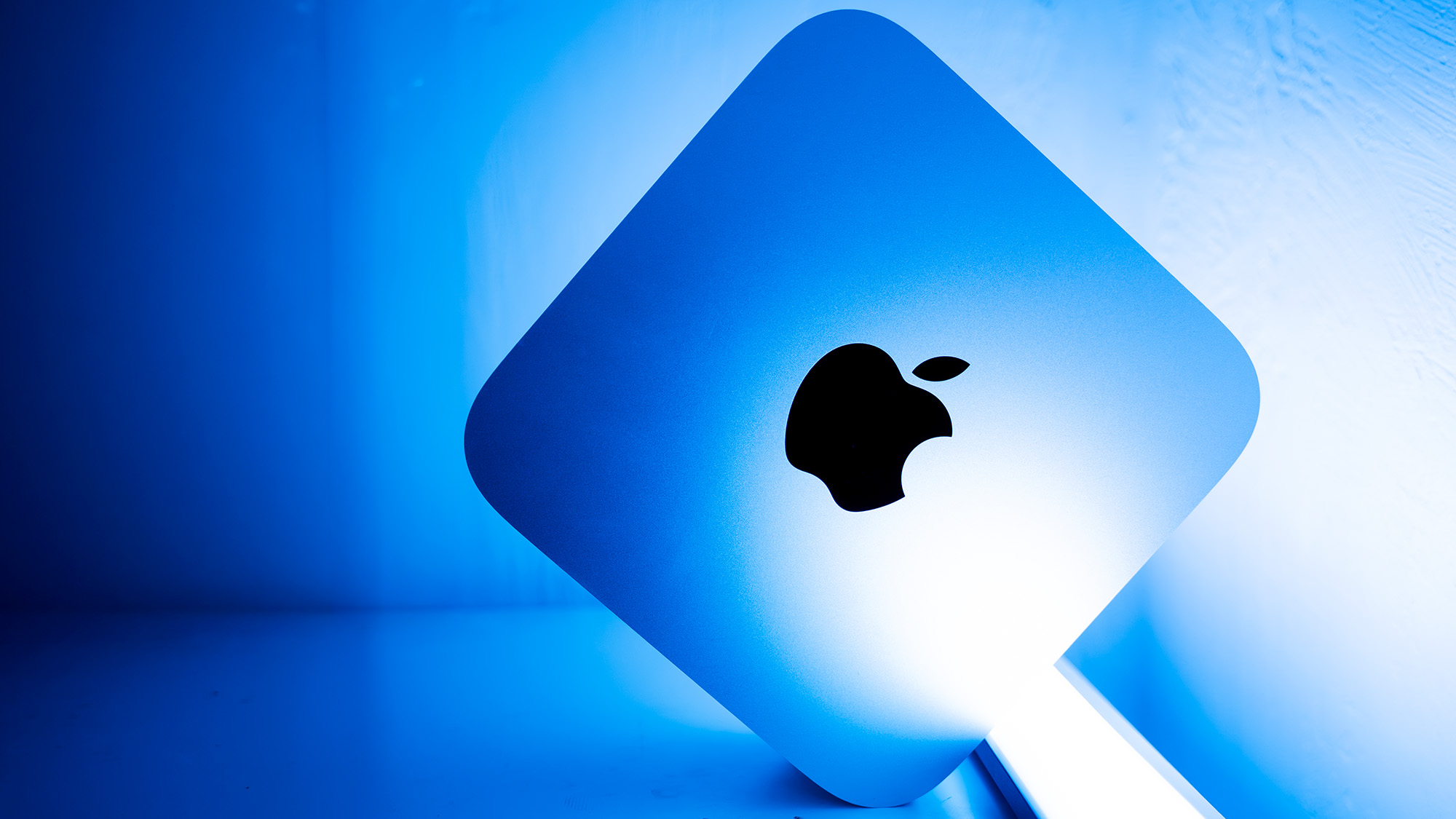
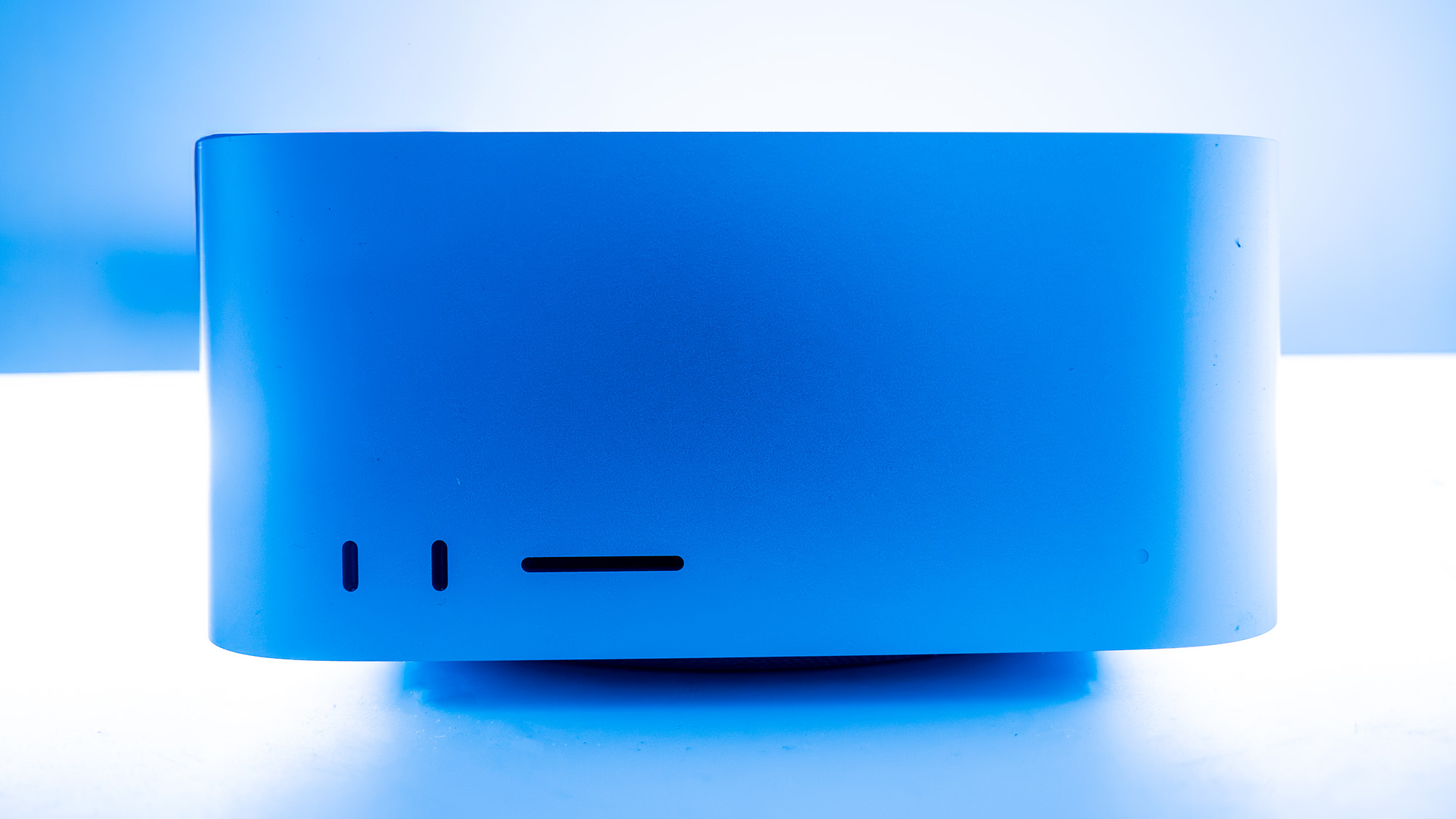
The 2026 Mac Studio is an engineering marvel, balancing a compact 95 x 197 x 197mm footprint with desktop-class performance.
| Attribute | Specification |
|---|---|
| CPU | Apple M5 Max (18-core) |
| NPU | 16-core Neural Engine |
| Graphics | 40-core Integrated GPU |
| Memory | Up to 128GB LPDDR5 Unified Memory |
| Storage | Up to 4TB SSD (expandable via Thunderbolt) |
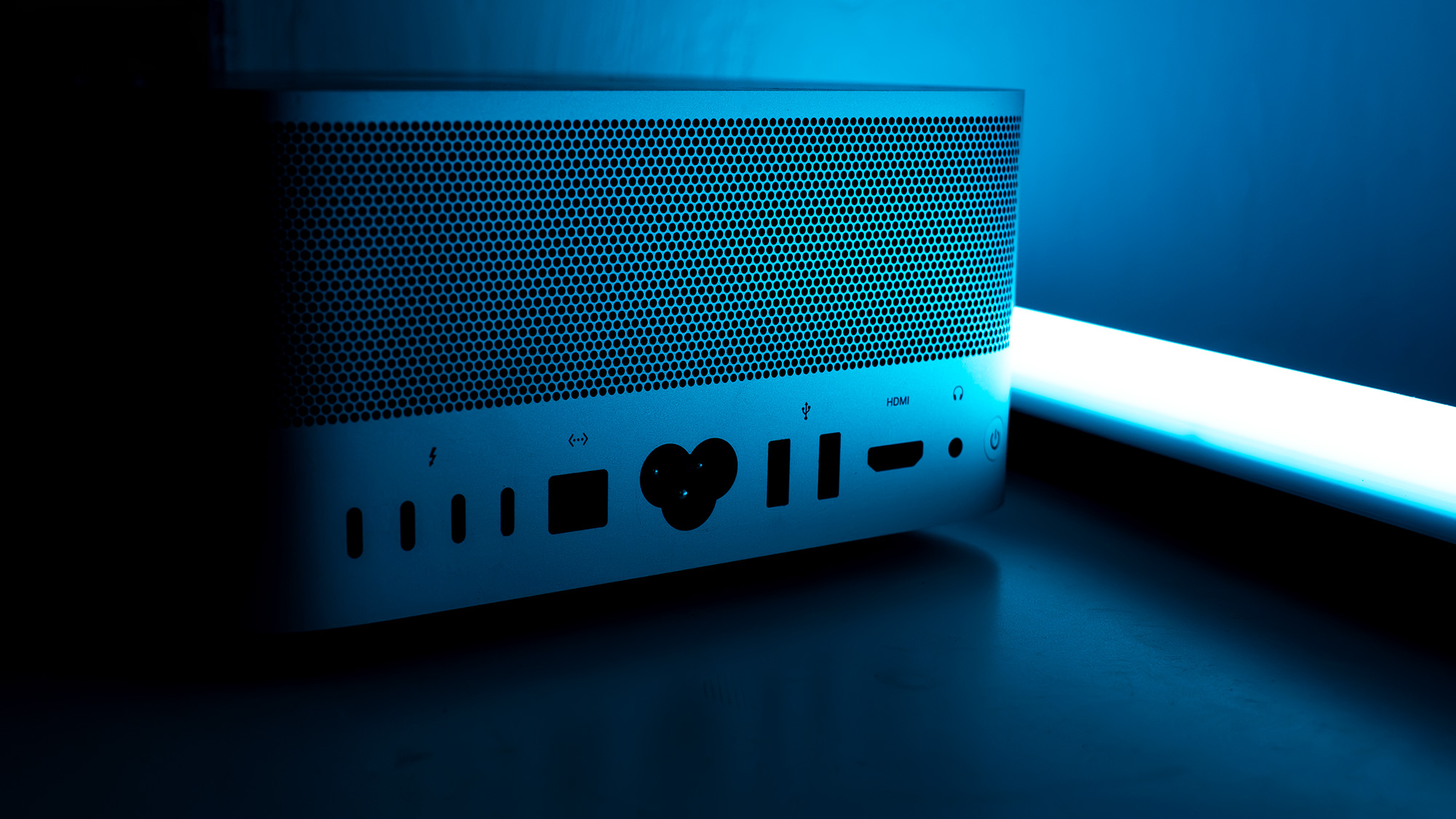
| Connectivity | 4x Thunderbolt 5, 2x USB-A, 2x USB-C, HDMI, 10Gb Ethernet |
| Networking | Wi-Fi 7, Bluetooth 6.0 |
The decision to retain the established chassis design has drawn both praise and critique. While some observers may yearn for a visual redesign, the reality is that the current form factor has proven to be an ergonomic success. The rear-mounted power button, the accessible array of ports, and the deliberate aesthetic cohesion with the Apple Studio Display make it a "plug-and-play" workstation that avoids the clutter of external docks and cable management nightmares.
Performance Benchmarks: A Class Apart
In our rigorous testing suite, the M5 Max Mac Studio consistently outperformed expectations. The M5 Max is designed for those who work in the trenches of 8K video production, complex 3D rendering, and high-density Photoshop workflows.
Computational Power
In Geekbench 6, the M5 Max dominates both single-core and multi-core metrics, widening the gap between Apple Silicon and the latest x86-based competitors, including the Snapdragon X2 Elite and Intel’s Core Ultra 9 290HX+. Notably, the M5 Max is the first CPU to break the 200-point barrier in the Cinebench 2024 single-core test, a testament to the sheer IPC (instructions per clock) gains achieved by Apple’s silicon team.
Graphics and AI
The 40-core GPU demonstrates remarkable versatility. While it sits approximately 4% behind a full-size desktop GeForce RTX 5070Ti in synthetic rendering benchmarks, it excels in tasks requiring high-speed memory access. Furthermore, Apple’s push into local AI is evident. With 3.9x faster AI performance compared to the previous generation and 4.3x the peak AI compute performance of the M3 Ultra, the Mac Studio is now a viable environment for running frontier-class open-weight models locally—a critical feature for developers concerned with data privacy and latency.
Implications for Creative Industries
The arrival of this machine has profound implications for creative professionals. For video editors, the hardware-accelerated support for H.264, HEVC, ProRes, and AV1 decoding means that color-grading multiple streams of uncompressed 8K footage is no longer a task confined to a multi-thousand-dollar server rack.

Moreover, the introduction of the "Creator Studio" subscription model—encompassing Final Cut Pro, Logic Pro, and Pixelmator Pro—suggests that Apple is looking to vertically integrate the software experience even further. By bundling these tools for a monthly fee, Apple is lowering the barrier to entry for independent creators, ensuring that the software is optimized specifically for the M5 architecture.
The Competitive Landscape
When considering a purchase, one must weigh the Mac Studio against the alternative: the high-performance Windows workstation. The HP OMEN 35L, for instance, offers a traditional tower experience with discrete, swappable Nvidia graphics. For users who prioritize modularity or gaming, a PC build remains the standard. However, the Mac Studio offers a level of efficiency and silence that is difficult to replicate in a consumer PC.
The "price-per-performance" ratio of the Mac Studio is admittedly steep at the high end (£6,899 / $6,899). Yet, for studios and creative agencies, the TCO (Total Cost of Ownership) is bolstered by the machine’s longevity and its ability to handle workloads that would otherwise require significantly more power-hungry hardware.
Official Stance and Future Direction
While Apple remains characteristically quiet regarding future roadmap developments, the integration of Wi-Fi 7 and Bluetooth 6 indicates a machine built for the next half-decade of connectivity. The ability to cluster multiple Mac Studios via Thunderbolt to create an AI-inference network suggests that Apple is positioning the product line to scale with the needs of emerging creative fields, such as generative AI and real-time virtual production.
Verdict: Who is it for?
The 2026 Mac Studio is not a computer for the casual user. It is a specialized tool for architects, filmmakers, 3D animators, and data scientists.
- Buy it if: You require a compact, silent, and incredibly powerful machine that handles creative software with zero latency. You are invested in the Apple ecosystem and want a desktop that will remain relevant for the next four to five years.
- Don’t buy it if: You are a dedicated PC gamer, you require extreme component-level modularity (such as upgrading your own GPU or storage drives), or your workflow is heavily dependent on legacy software that does not support Apple Silicon.
In conclusion, the M5 Max Mac Studio is a masterclass in optimization. By focusing on memory bandwidth, AI integration, and thermal efficiency, Apple has created a workstation that doesn’t just compete with its predecessors—it creates a new standard for what a professional desktop should be. It is, in every sense of the word, a powerhouse.