
Mastering the Modern Event Lifecycle: The Definitive 8-Step Blueprint for Seamless Event Registration Configuration

GLOBAL — Setting up digital event registration for the first time can easily feel like navigating a labyrinth of interconnected digital systems. Modern event planners must balance a complex web of moving parts: payment gateways, ticket tiers, customized dynamic forms, multi-page websites, access control frameworks, automated communication loops, and emerging generative artificial intelligence concierges.
Attempting to build these elements out of order frequently results in redundant efforts, broken workflows, and frustrating technical bottlenecks just days before an event goes live.
To solve this, industry leaders are turning to structured implementation protocols. Utilizing the configuration logic pioneered by platforms like EventMobi Core Registration, event organizers can follow a chronological framework that streamlines the setup process, safeguards against human error, and guarantees a fully functional, professional registration portal long before the opening bell.

Main Facts: The Anatomy of a Modern Registration Ecosystem
At its core, professional event registration software has evolved far beyond a simple digital sign-up sheet. It functions as the foundational data layer for the entire attendee lifecycle.
According to product implementation data, a comprehensive configuration pipeline must handle several distinct structural pillars:
- Payment Architecture: Centralized, organization-level payment processing that supports leading gateways including Stripe, PayPal Payflow Pro, Braintree, Cybersource, Bambora, Moneris, and Authorize.net.
- Ticket Hierarchy: Granular ticketing options encompassing free passes, early-bird specials, tiered member rates, VIP credentials, and invisible, promo-code-locked access for speakers and sponsors.
- Conditional Data Collection: Dynamic forms that adapt in real time to minimize abandonment rates while collecting critical data for badges, reporting, and segmentation.
- Unified Ecosystem Integration: Instant data synchronization ensuring that every keystroke at registration flows natively into attendee profiles, badge printers, and email engines without manual imports or exports.
Chronology: The 8-Step Sequential Configuration Guide
To prevent technical rework and eliminate last-minute administrative panic, organizers should strictly adhere to a chronological setup sequence.
Step 1: Configure Your Payment Gateway First
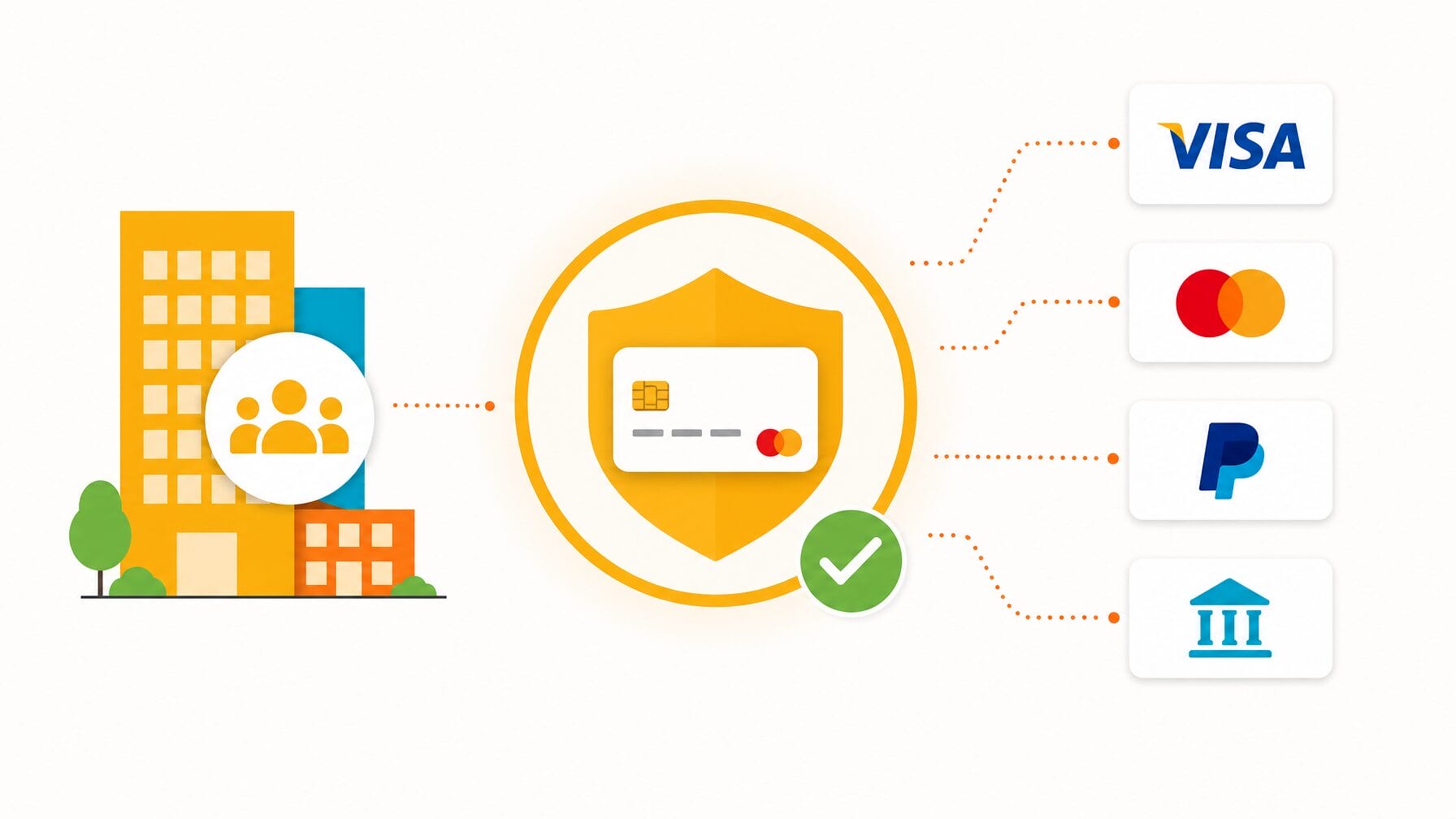
If your event features paid tickets, establish your payment processing infrastructure before touching any other component. In advanced architectures like EventMobi, gateways are configured once at the organization level rather than per event.
This single-step initialization clears the most common hurdle in event deployment. Planners must input gateway credentials, verify currency settings, and execute a mandatory test transaction. Discovering an authorization mismatch or currency discrepancy a week before launch is manageable; discovering it on the exact morning registration opens is catastrophic. Free events bypass this step entirely.
Step 2: Create Your Event and Configure Tickets
Once payment processing is secured, initialize your event within the system dashboard and map out your ticket categories. Defining your ticket structures early—including free, paid, early-bird, VIP, speaker, and sponsor passes—prevents future rework.
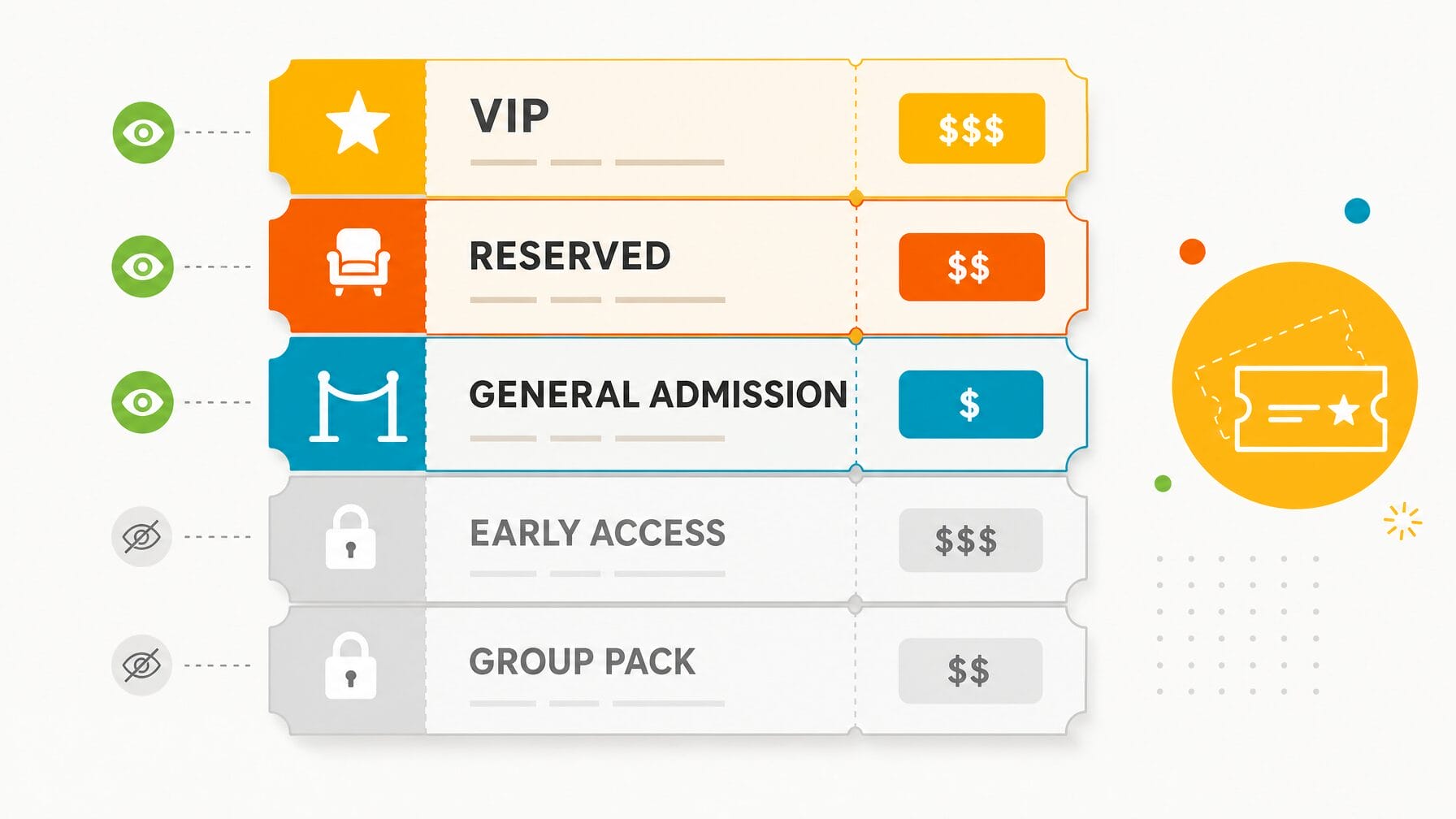
Organizers must define prices, quantity caps, availability windows, and specific Tax/VAT rates. Crucially, this is the stage to designate which tickets remain publicly visible and which are hidden behind secure promotional codes for complimentary or VIP distributions.
Step 3: Build Your Registration Form
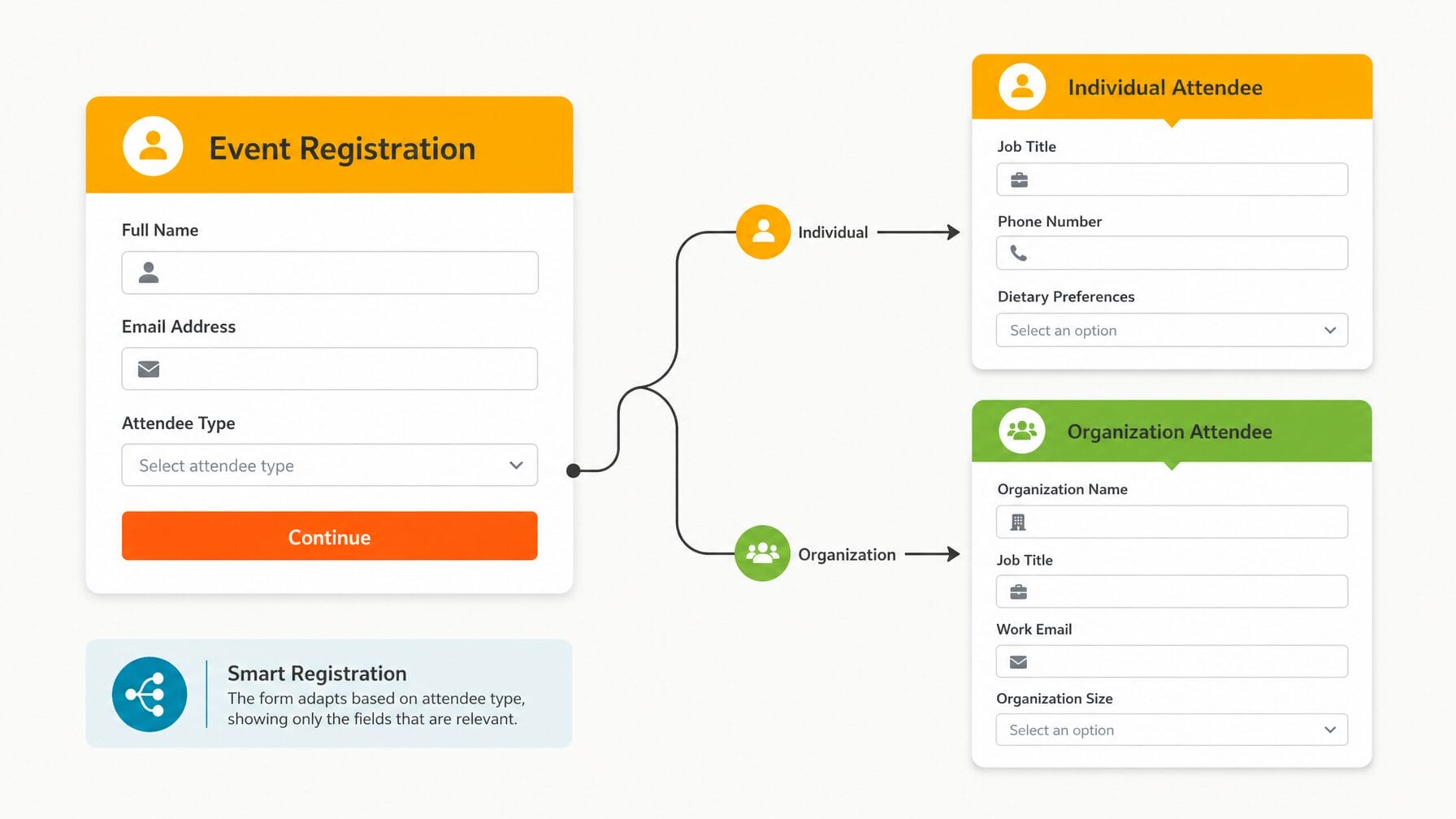
With your ticket taxonomy locked in, construct the registration form. Start with essential defaults like name and email, then add custom fields strictly mapped to verified operational needs (such as onsite badge printing, dietary requirements, or post-event reporting).
To prevent form fatigue and combat high cart abandonment rates, deploy Form Conditions. These conditional logic rules ensure registrants only see questions relevant to their specific ticket tier—sparing general attendees from viewing speaker bio requirements and exempting VIPs from standard session-tracking queries.
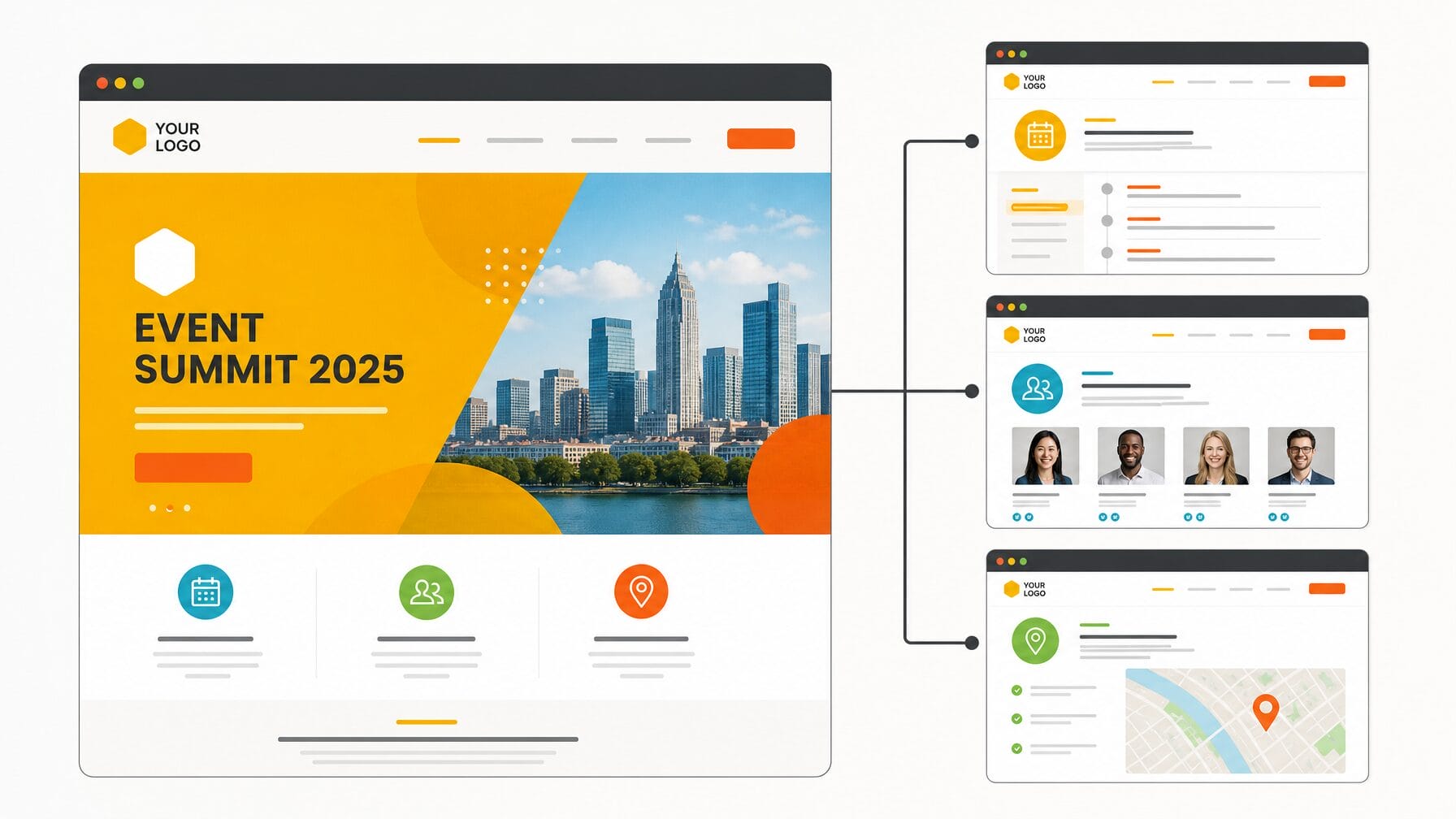
Step 4: Launch Your Event Website
With the intake mechanism ready, deploy your multi-page event website using integrated website builders. Your digital storefront must immediately answer fundamental attendee questions: what the event is, when and where it takes place, and how to secure a spot.
Apply consistent branding, color palettes, and typography across a homepage, agenda page, speaker directory, and practical logistics page. Industry experts strongly recommend publishing the website the moment core details are confirmed—even with placeholder content—to secure a promotional URL and begin harvesting organic search traffic early.
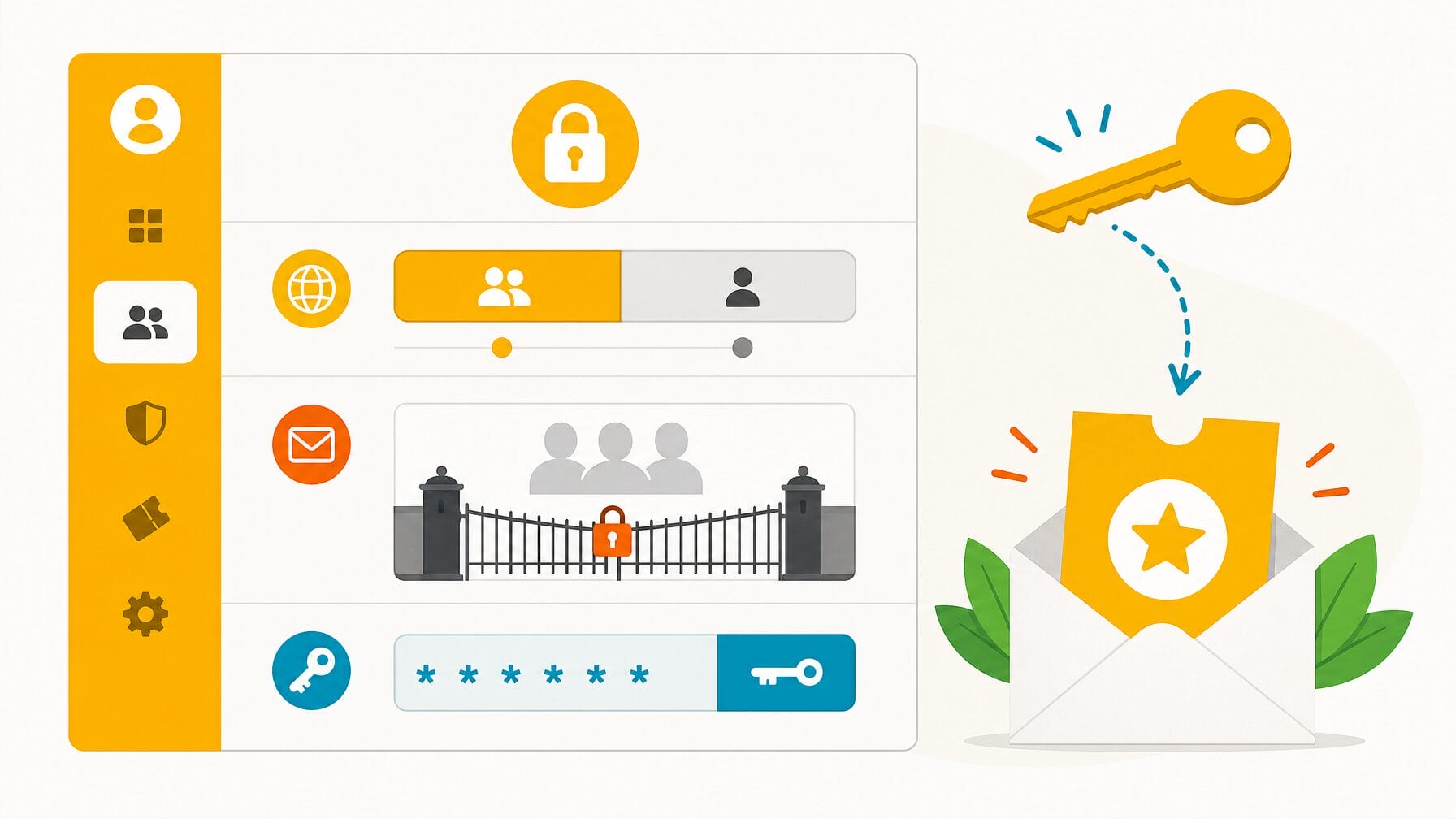
Step 5: Establish Access Control and Security Settings
Define precisely who can access your registration portal. Public settings accommodate open-market events, while private settings restrict entry strictly to invited members or VIP guests.
For restricted gatherings, enable the RSVP workflow to capture early acceptances before general registration goes live. Furthermore, validate your promotional codes here, ensuring that hidden ticket tiers are successfully unlocked by valid alphanumeric strings while remaining entirely invisible to the general public.
Step 6: Initialize the Communications Hub
Automated messaging forms the backbone of attendee engagement. Set up your communications engine prior to testing your end-to-end user journey.
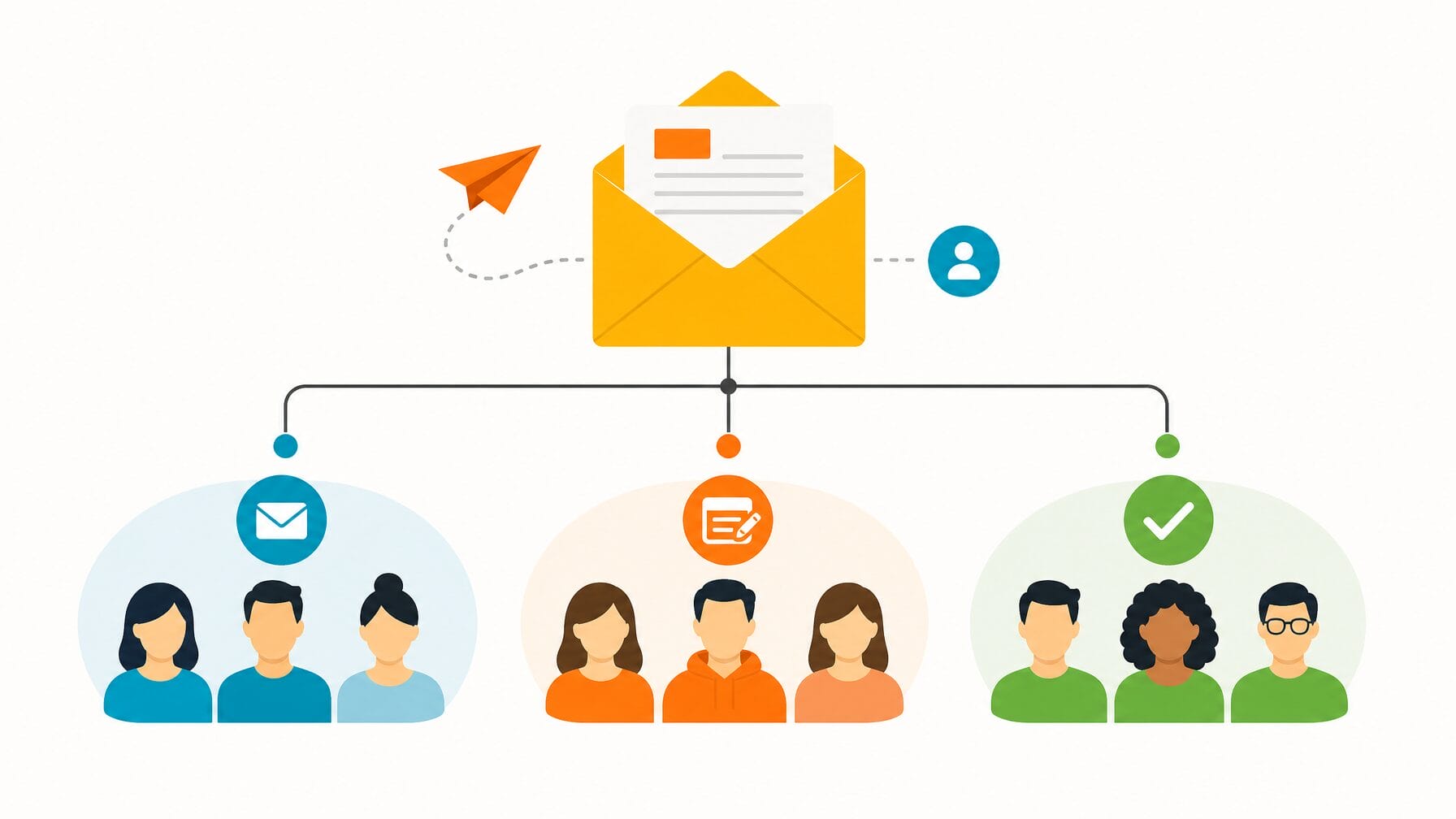
Begin by crafting the automated confirmation email, embedding crucial event parameters, ticket data, and next steps. Next, build out your promotional and logistical sequences—including launch announcements, general reminders, targeted nudges for incomplete sign-ups, and pre-event logistics. The best systems allow you to segment these campaigns dynamically by registration status (invited, started, completed), completely eliminating the need for error-prone manual list exports.
Step 7: Execute Rigorous End-to-End Testing
Never assume a setup works without absolute empirical proof. Rushed configurations lacking thorough testing account for the vast majority of live-event failures.
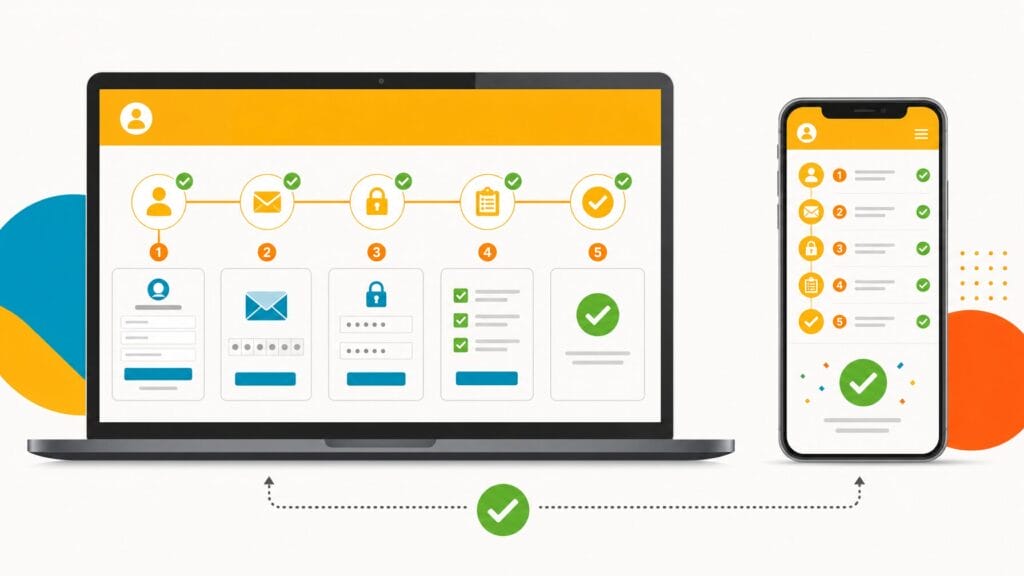
Organizers must execute complete, live test transactions across multiple browsers and mobile devices for every single ticket type. Verify that payments clear, confirmation emails arrive instantly with accurate data, and attendee profiles populate correctly within the system database. Finally, purge all test data before opening the portal to the public.
Step 8: Enable the AI Registration Concierge
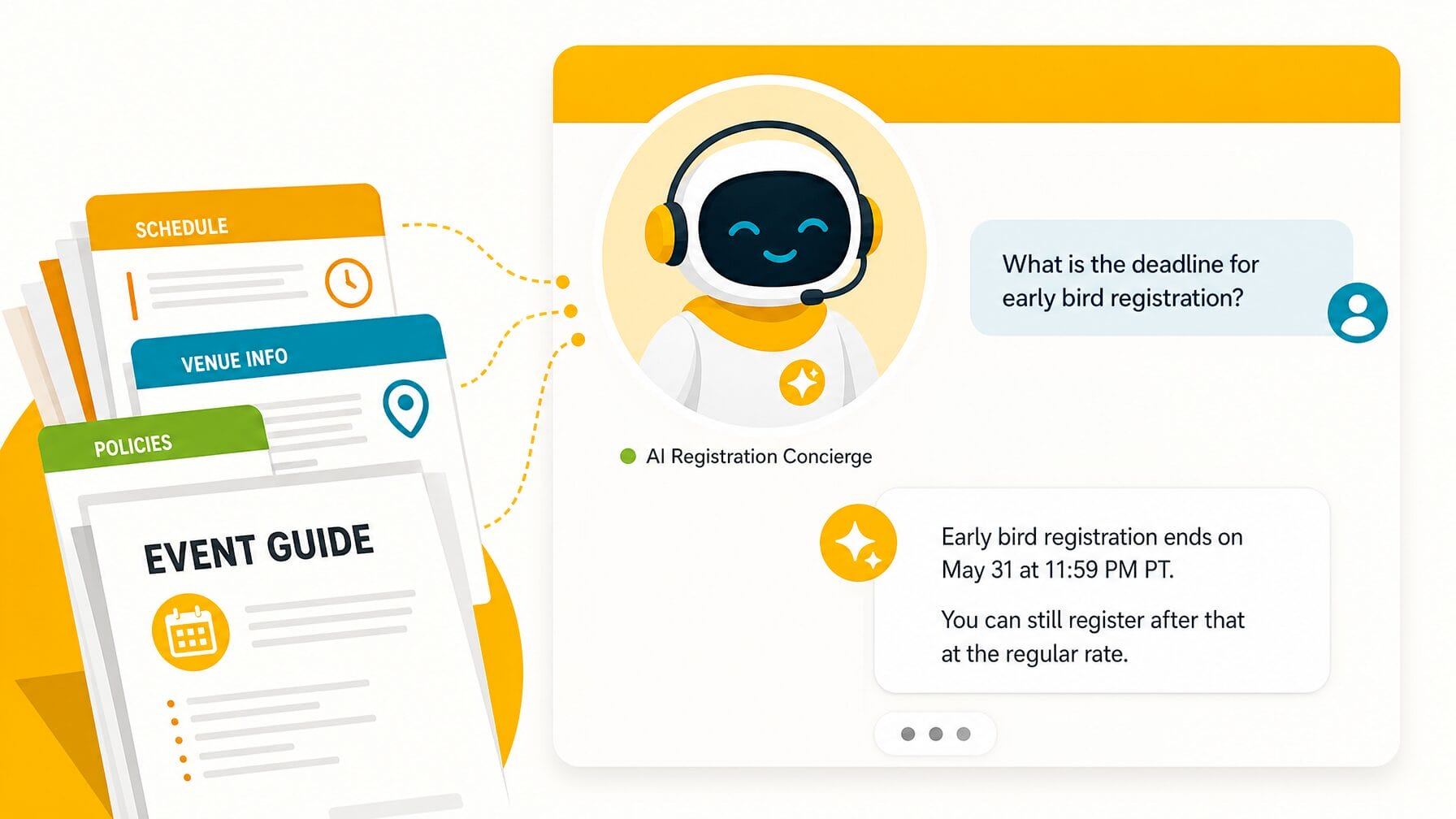
Deploy generative artificial intelligence tools—such as the MobiAI Reg Concierge—as the final step in your deployment checklist. Because the AI automatically ingests data from your published website, ticket settings, and uploaded documents (such as venue guides, FAQs, and speaker briefings), completing all prior steps gives the AI a pristine knowledge base.
Select a brand-appropriate tone of voice, configure an engaging welcome message, upload foundational support documents, and test the AI with anticipated user queries to guarantee accurate, friction-free assistance for future registrants.
Supporting Data: Timeline and Resource Allocations
Understanding the time investment required for professional event deployment is vital for keeping production teams on schedule.
- Setup Duration: A straightforward, single-ticket event with a basic form can be deployed in a matter of a few hours. Conversely, a comprehensive, enterprise-grade event featuring multi-tiered tickets, complex conditional logic, multi-page websites, automated email segmentation, and an active AI concierge realistically demands one to two focused working days of configuration.
- The Testing Buffer: Industry standards strongly advise embedding a one-to-two-week testing buffer between the completion of technical setup and the official public launch of registration. This mandatory window allows for internal stakeholder reviews, mobile responsiveness audits, and iterative fine-tuning.
Official Insights and Expert Perspectives
Event technology architects emphasize that system glitches are rarely caused by platform limitations; rather, they stem from compressed timelines and bypassed testing protocols.
"The setup process itself is rarely where event registration problems originate," notes event technology deployment literature. "They originate in rushed setups that were not properly tested. Working through these steps in order, and testing everything before going live, is the most reliable way to ensure a clean launch."
By centralizing operations—such as configuring payment gateways at the organization level rather than repeating steps for every individual event—modern software drastically slashes administrative overhead, allowing planners to pivot their focus from technical troubleshooting to guest experience and content delivery.
Implications for Event Organizers and the Industry
The shift toward structured, sequential event configuration carries profound implications for the events industry at large:
- Elevated Attendee Expectations: As consumers grow accustomed to frictionless, hyper-personalized digital purchasing experiences in e-commerce, they demand the exact same fluidity from professional events. Poorly structured forms and broken payment loops actively damage brand equity.
- Democratization of Complex Tech: The integration of AI concierges and automated communication hubs means even lean, solo event planning teams can deliver enterprise-level customer support and administrative efficiency.
- Data Integrity and Compliance: By enforcing native data flows from registration into analytics dashboards and badge printing software, organizations minimize data silos, ensuring cleaner reporting, better GDPR/privacy compliance, and superior post-event marketing return on investment.
Ultimately, by embracing an intentional, chronological blueprint, event organizers can transform registration from a dreaded administrative hurdle into a powerful, automated engine for event success.
Related posts: